
See whether the active agent is idle, thinking, running a tool, waiting for approval, completed, or failed.
Windows-only AI coding island
Code Island
A Dynamic Island-style desktop companion for Claude Code and Cursor on Windows. It turns agent status, permission requests, and task completion into a glanceable floating island.
A tiny island for long-running agent work.
Code Island keeps the coding agent in your peripheral vision without forcing you to stare at a terminal while tools run.
Approve or deny tool executions directly from the island, with global hotkeys for fast responses.
Monitor Claude Code and Cursor sessions together, then switch the active backend from the detail view.
Let the island tuck into the top screen edge when idle, then slide back out when new work needs attention.
Rendered from the project materials.
The promo film uses the real README, screenshots, status states, and product UI as source material, then turns them into a 32-second product intro.
 IdleWaiting for your next agent session.
 RunningTools are executing or a prompt is in progress.
 CompletedThe task finished and the island can relax.
 ErrorSomething failed and needs attention.
Interface states that stay out of your way.
The island moves between compact, active, detailed, and approval states so the right amount of information appears at the right moment.

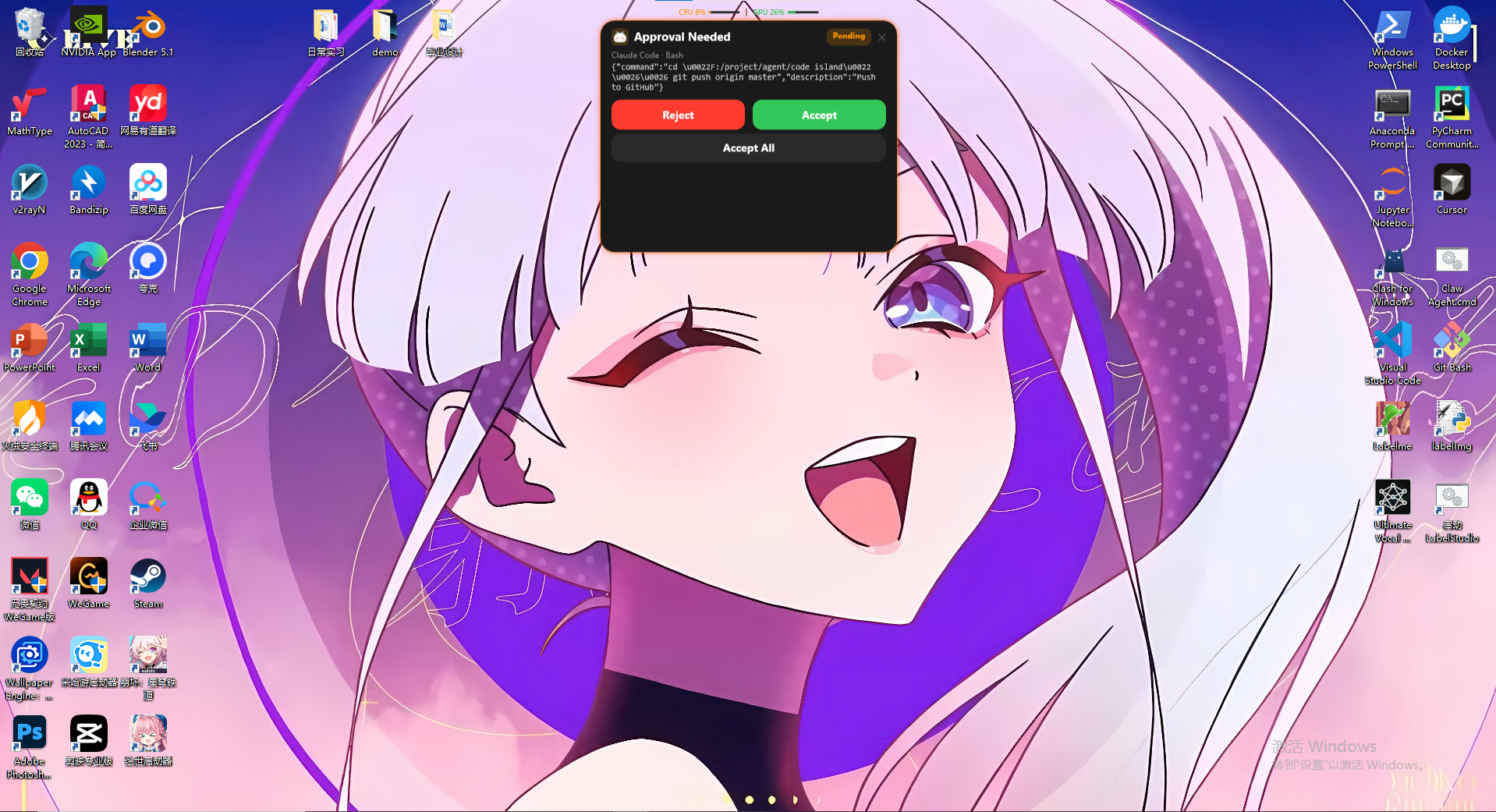
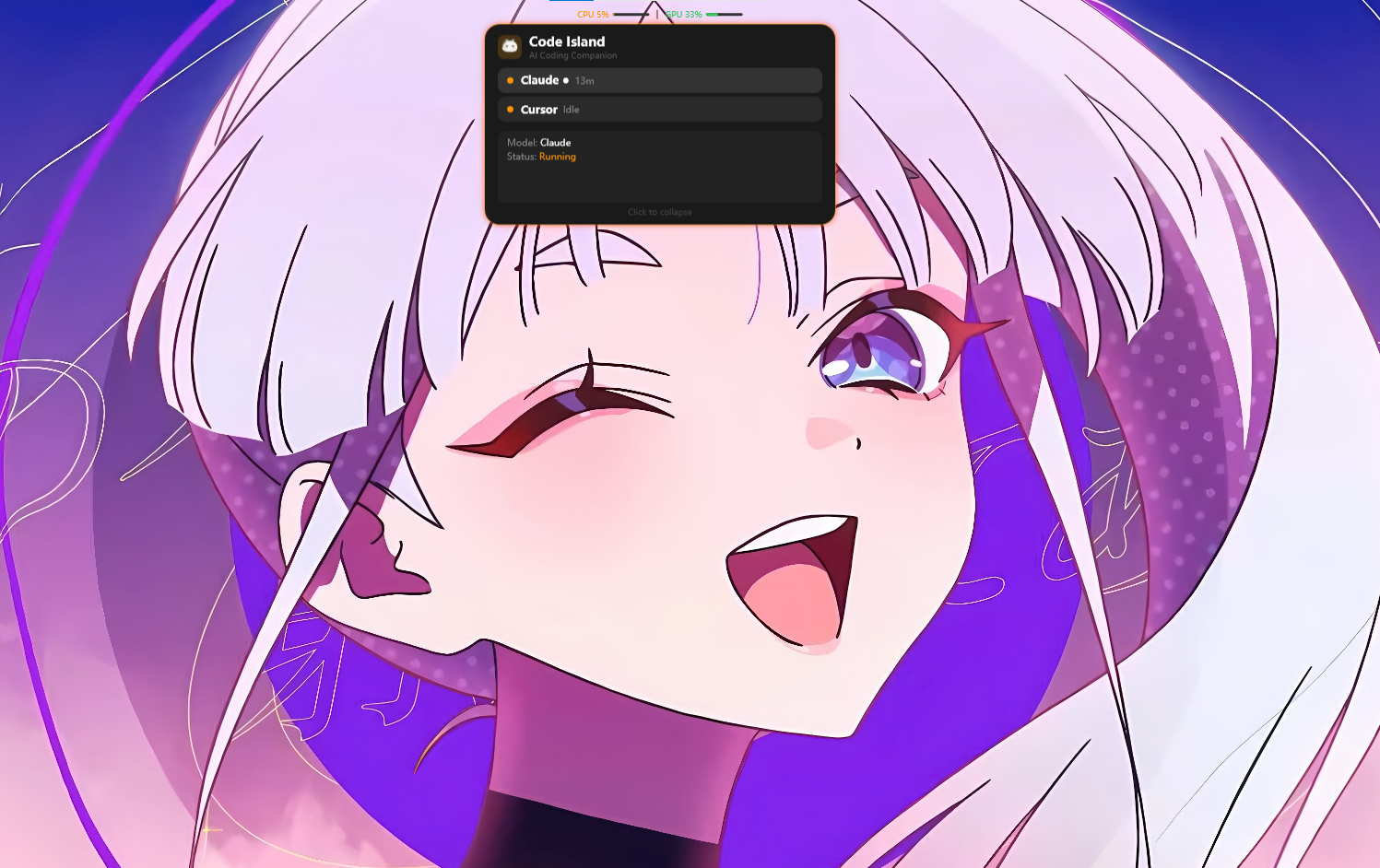
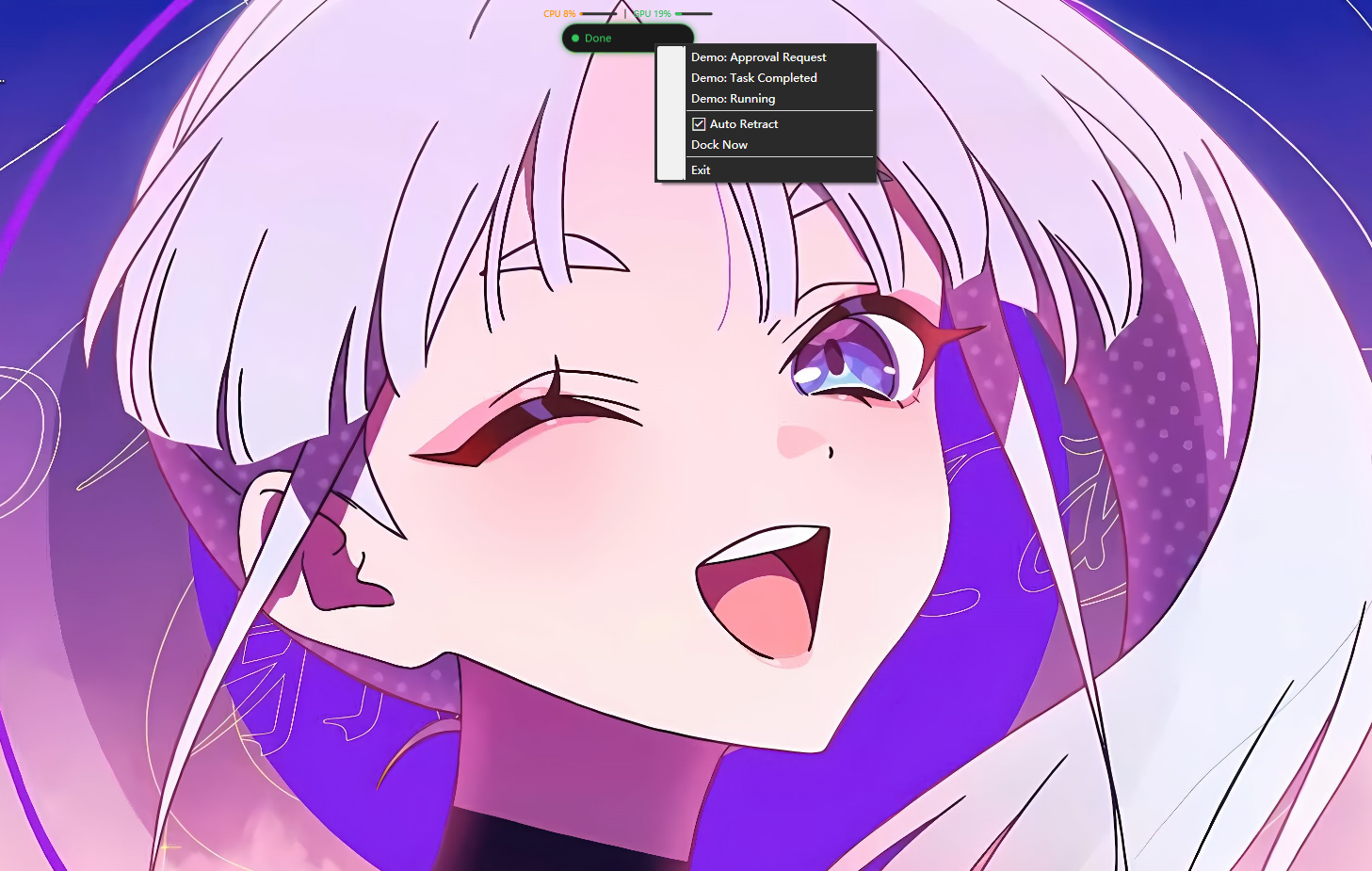
From agent event to floating UI.
Code Island listens locally, routes events through a Windows named pipe, and updates the island in real time.
01
Agent emits event
Claude Code or Cursor starts work, requests permission, or reports completion.
02
Hook captures it
A local Python hook collects the event and formats the payload.
03
Pipe delivers state
The Windows named pipe sends the update to the desktop application.
04
Island responds
The WPF UI changes shape, color, text, and mascot expression.